AI design studio - interiors, exteriors & gardens

Capture a photo.
Reimagine your space.

Decorva turns a single photo into a photoreal redesign - interiors, exteriors, gardens and more. Five design tools, 150+ styles, finished in seconds.

Free to start · iPhone, iPad & Android

1 photois all it takes
5 toolsfor every space
150+design styles
Secondsnot weeks

Five tools, one camera

Everything you need to reimagine a space

Each tool is built for a different part of the home - and every one of them works from a single photo you already have on your phone.

Interiors

Try a new look from one room photo.

Exteriors

Refresh facades, entries, and outdoor details.

Gardens

Shape planting zones and open-air corners.

Layout Boost

Find a cleaner arrangement before buying.

Style Swap

Apply a style you love to your own space.

How it works

One photo. Three taps. A whole new room.

No measuring, no 3D modelling, no design skills - just the photo already on your phone.
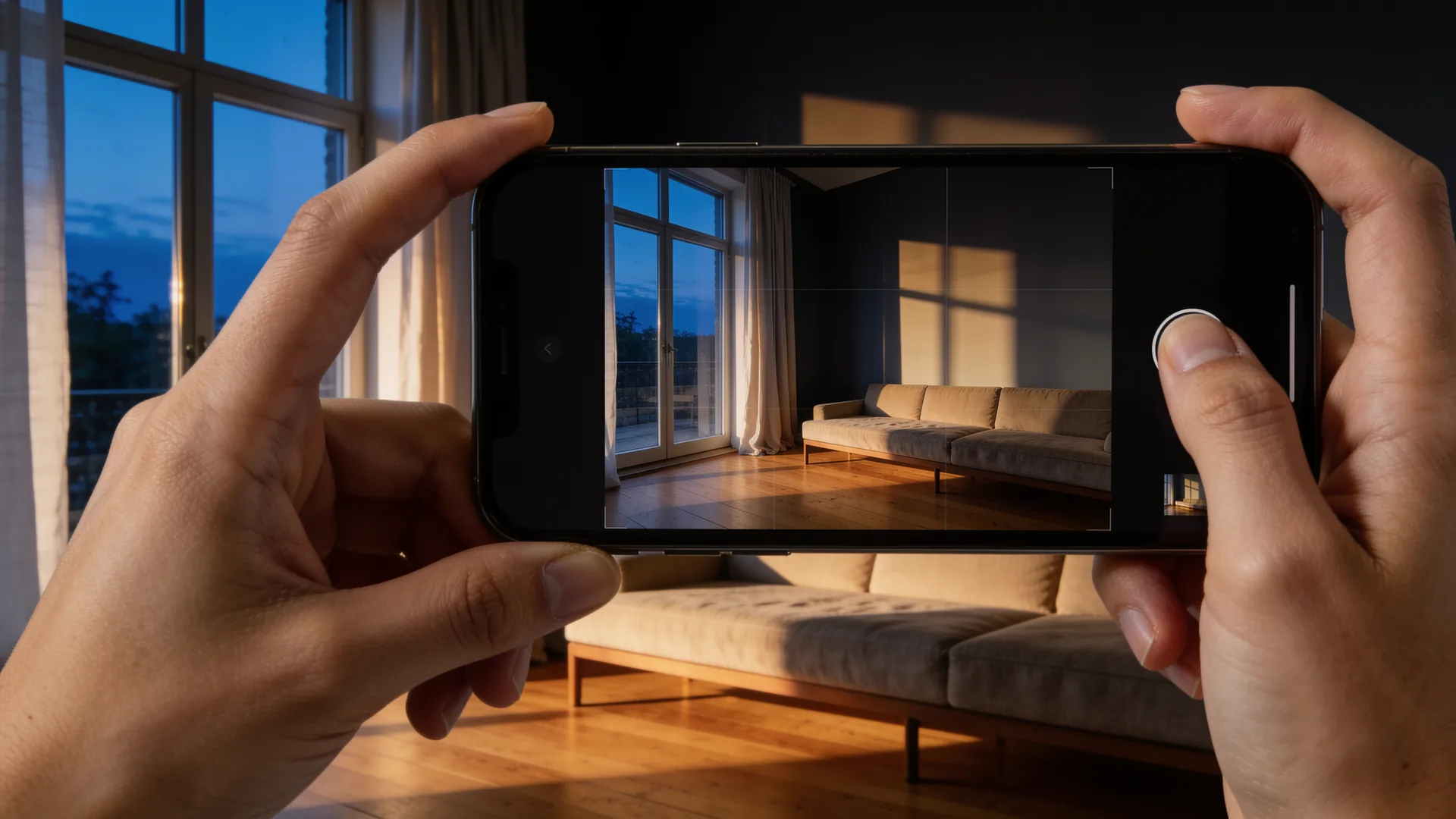
Photographing a living room with a phone to redesign it in Decorva AI
Step01

Capture a photo

Point your camera at any room, exterior or garden. One shot is all it takes - no measuring, no setup.

Step02
150+ styles

Choose a style

150+ looks across five tools - from Japandi to Art Deco.
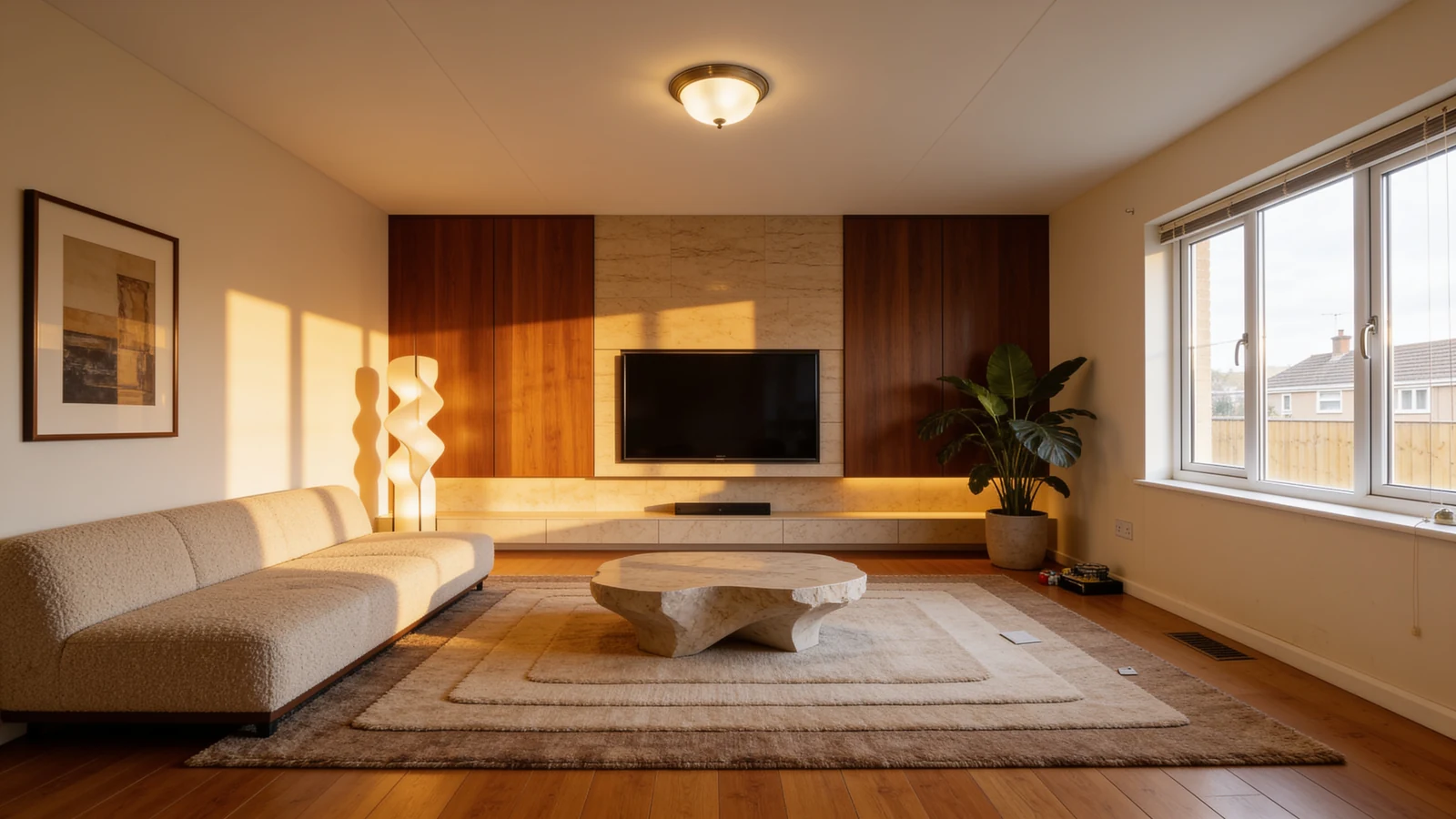
The same living room reimagined by Decorva AI in seconds
Step03
In seconds

Get your redesign

A photoreal result, true to your real walls and windows.

Before & after

See the room before you spend a thing

Every render begins with a real photo. Drag the handle to watch an ordinary space become the one you actually want - no contractor, no showroom, no guesswork.

living room after AI redesign with Decorva AIliving room before redesign - original photoBeforeAfter
Living roomWarm modern - oak & stone
Drag to compare

How Decorva AI compares

One app for the whole home

Most AI room apps stop at interiors. Decorva AI redesigns interiors, exteriors and gardens - and keeps the real bones of your space - so you plan the whole home from a single photo.

Decorva AI compared with typical AI room design apps
FeatureDecorva AITypical AI room app
What it redesignsInteriors, exteriors & gardens - one appOften interiors only
Design styles150+ across five toolsUsually 20–40
Keeps your real walls & windowsYes - stays true to your spaceVaries
Tools5, incl. Layout Boost & Style SwapOne or two
Free to startYes - iPhone, iPad & AndroidOften web-only or paywalled
ResultsPhotoreal, in secondsSeconds

Questions & answers

Everything you might ask

The short version of how Decorva AI works, what it costs, and how it compares to other AI room design apps.

What is Decorva AI?

Decorva AI is an AI interior design app that turns a single photo of a room, home exterior or garden into a photoreal redesign in seconds. It includes five tools - Interiors, Exteriors, Gardens, Layout Boost and Style Swap - and more than 150 design styles. Decorva AI is made by Antmind Ventures Private Limited and is free to start on iPhone, iPad and Android.

Is Decorva free?

Yes. Decorva is free to download and start using on iOS and Android, with no design skills required. You can redesign your first space at no cost; optional credit packs and a Pro subscription unlock higher-volume use.

How do I redesign a room from a photo?

Open Decorva, take or upload one photo of the space, choose a tool (such as Interiors or Exteriors) and pick from 150+ styles. Decorva returns a photoreal redesign in seconds. There is nothing to model or measure - one photo is all it takes.

What can Decorva redesign?

Decorva redesigns interiors (any room), home exteriors and facades, and gardens and outdoor spaces. Layout Boost re-arranges the furniture you already own into a cleaner plan, and Style Swap applies a look you love from another space onto your own.

Does Decorva keep my room's real walls and windows?

Yes. Decorva's redesigns stay true to the bones of your space - your real walls, windows and proportions - so the result looks like your room, reimagined, rather than a generic AI picture. This makes it useful for planning a real renovation before you spend anything.

How is Decorva different from RoomGPT and other AI room design apps?

Most AI room apps focus on interiors alone. Decorva covers interiors, exteriors and gardens in one app, offers 150+ styles across five tools (including Layout Boost and Style Swap), preserves your real architecture, and is free to start on iPhone, iPad and Android.

What devices does Decorva work on?

Decorva works on iPhone and iPad (iOS) and on Android phones and tablets. Every design you create is saved to your in-app library so you can revisit and compare your results.

Are my photos private?

Yes. Decorva uses your photos only to generate and deliver your designs and your private library. Decorva does not sell your personal data and does not use your private uploads to publicly train models without your consent. You can delete any design, or your whole account, from inside the app.

Your next space is one photo away

Download Decorva and redesign your first room in the next five minutes. Free to start, on every device you own.

Free to start · iPhone, iPad & Android